Here is the solution to download and install the iOS 17 beta on your Apple device: iPhone and iPad.
The list of compatible iPhones:
- iPhone 14 Pro Max
- iPhone 14 Pro
- iPhone 14
- iPhone 13
- iPhone 13 mini
- iPhone 13 Pro
- iPhone 13 Pro Max
- iPhone 12
- iPhone 12 mini
- iPhone 12 Pro
- iPhone 12 Pro Max
- iPhone 11
- iPhone 11 Pro
- iPhone 11 Pro Max
- iPhone XS
- iPhone XS Max
- iPhone XR
- iPhone SE (2nd generation)
- iPhone SE (3rd generation)
The list of compatible iPads:
- iPad mini (5th generation or later)
- iPad (6th generation or later)
- iPad Air (3rd generation or later)
- iPad Pro (2nd generation or later)
Before you begin, I recommend backing up your Apple device to iTunes or iCloud.
Before installing the profile, uninstall your old profile (if you have one).
You need to install the profile of the previous iOS 16 beta in order to get the iOS 17 beta.
Method to install without a computer:
1) Download the iOS 16 beta profile


2) Restart your iPhone
3) Wait 2-3 minutes
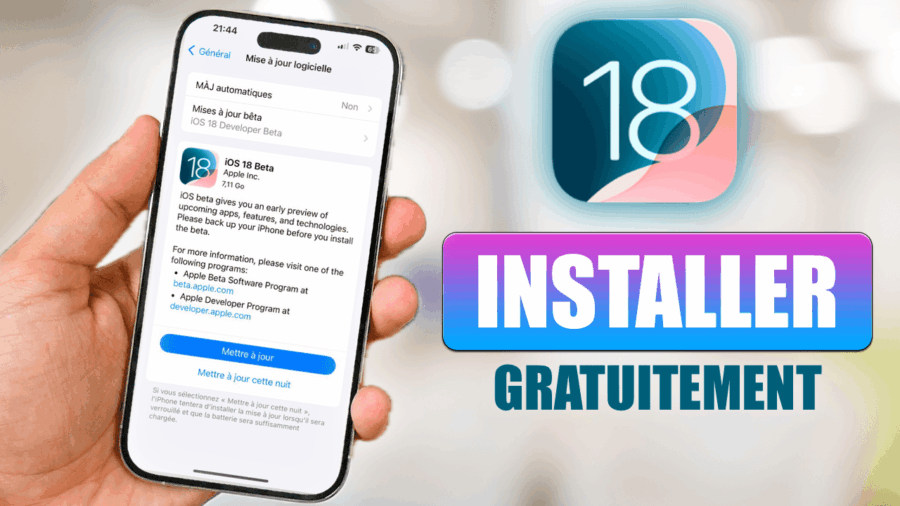
4) Go to Settings > General > Software Update and install the iOS 17 beta.
5) Select iOS 17 Developer beta and download the update
Method to install with a computer (Mac and PC) using iTunes:
- Download the IPSW file for your iPhone:

iPhone 14 Pro Max
iPhone 14 Pro
iPhone 14 Plus

iPhone 14
iPhone SE (3rd generation)

iPhone 13 Pro Max
iPhone 13 Pro
iPhone 13
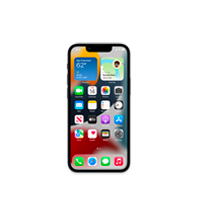
iPhone 13 mini
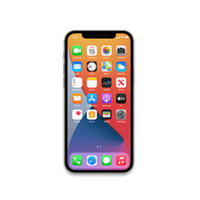
iPhone 12 Pro Max
iPhone 12, iPhone 12 Pro

iPhone 12 mini
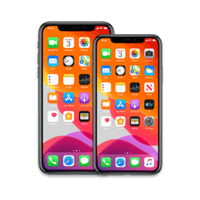
iPhone 11 Pro, 11 Pro Max

iPhone 11
iPhone XS, XS Max
iPhone XR
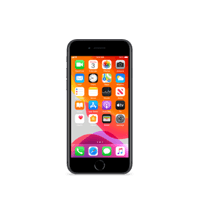
iPhone SE (2nd generation)
2. Download iTunes on your computer Mac and PC.
3. Open iTunes or the Finder if you are on macOS.
4. Press the ⌥ (Option/ALT) key on your Mac keyboard or the ⇧ Shift key if you are on Windows, then click the Check for Update button.
5. Select the iOS 17 IPSW file for your iPhone and click Open.

clx
Djibrine
Nouhan
Bonjour je veux installer niveau version
J’arrive pas installer pouvez-vous me dites
Si c’est possible
Cordialement